
Cute Divider Symbols Copy and Paste – Aesthetic Text Dividers (2026)
Sometimes a simple line is all you need to make your text look more organized and attractive. Cute divider symbols add personality to Instagram bios, social media captions, blog posts, Discord channels, and personal messages. From tiny hearts and pretty bows to flowers, butterflies, sparkles, and aesthetic horizontal lines, there are plenty of styles to choose from. Below you will find cute divider symbols to copy and paste, plus decorative text separators for different occasions. You can also use our custom divider generator to build your own design by choosing a style, color, and length.
Cute Divider Symbols Copy and Paste
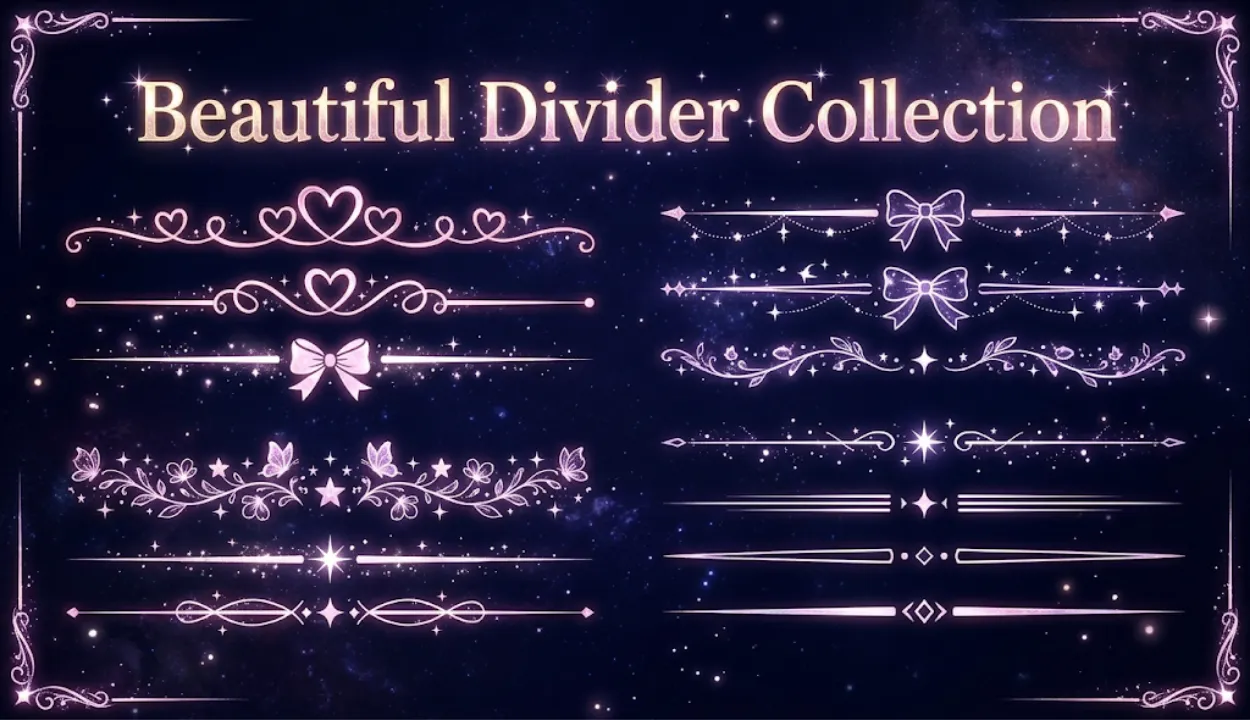
Cute divider symbols are decorative text characters and symbol combinations used to separate sections of writing. Copy a design from the collection and paste it into a social media bio, caption, message, blog post, or other text field. Whether you prefer a simple horizontal line or a detailed aesthetic pattern, these designs organize text without relying on ordinary punctuation. For more ideas, browse our aesthetic symbols collection and symbol combos.
Popular Cute Divider Symbols
Here are some easy-to-use designs to start with:
| Cute divider | Copy-ready symbol |
|---|---|
| Heart divider | ♡ ───── ♡ |
| Bow divider | ୨୧ ━━━━━ ୨୧ |
| Flower divider | ❀ ───── ❀ |
| Sparkle divider | ✧・゚: ─── :・゚✧ |
| Butterfly divider | ʚ ───── ɞ |
| Star divider | ★ ───── ★ |
| Kawaii divider | ˚₊‧꒰ა ♡ ໒꒱ ‧₊˚ |
| Romantic divider | ♥︎ ─── ♥︎ ─── ♥︎ |
| Cloud divider | ☁︎ ───── ☁︎ |
| Vintage divider | ༺━━━━༻ |
| Minimal divider | ─────────── |
| Fancy divider | ❦ ━━━━━ ❦ |
Short Cute Dividers
Short dividers separate two small pieces of text without taking up much space.
- ♡ ─ ♡
- ୨୧ ♡ ୨୧
- ✧ ─ ✧
- ❀ · ❀
- ʚ♡ɞ
- ★ · ★
- ♡ ˚₊
- ✿ ─ ✿
- ⋆ ♡ ⋆
- ☁︎ · ☁︎
Medium Cute Dividers
These patterns work well between paragraphs, captions, short notes, and social media sections.
- ♡ ───── ♡
- ୨୧ ━━━━━ ୨୧
- ❀ · · · ❀
- ✧・゚ ─ ゚・✧
- ʚ ───── ɞ
- ★ ─── ✦ ─── ★
- ˚₊‧ ♡ ‧₊˚
- ꕤ ───── ꕤ
- ☁︎ ─── ✧ ─── ☁︎
- ༺ ───── ༻
Long Horizontal Divider Symbols
If you need a more noticeable section break, try one of these longer divider copy and paste horizontal patterns.
- ♡ ━━━━━━━━━━━━━━━━━ ♡
- ୨୧ ───────────────── ୨୧
- ✧・゚: ━━━━━━━━━ :・゚✧
- ❀ ────── ❀ ────── ❀
- ⋆。°✩ ━━━━━━━━━ ✩°。⋆
- ʚ♡ɞ ─────────── ʚ♡ɞ
- ༺════════════════༻
- ♥︎ · · · · · · · · · · ♥︎
- ꕤ ━━━━━━━━━━━━━ ꕤ
Divider Symbols and Text Separators

Not every decorative divider needs hearts or flowers. A plain line, dotted pattern, or fancy border often looks better in longer posts. A text divider symbol is made from Unicode characters (see the Unicode Consortium code charts for the full character set) that can usually be copied like ordinary text. Appearance may change slightly depending on the font, device, and app. Want styled lettering to pair with them? Try our fancy text generator.
Simple Line Divider Symbols
Simple lines are practical for separating paragraphs, headings, and sections without competing with the surrounding text.
- ──────────────
- ━━━━━━━━━━━━━━
- ══════════════
- ────────────────────
- ━━━━━━━━━━━━━━━━━━━━
- ——————–
- ____________________
- ───────────
Use thin lines for subtle separations and heavier lines when you want a section break to stand out.
Thin and Minimal Text Separators
Minimal dividers suit clean profiles, professional captions, and simple aesthetic layouts.
- ┄┄┄┄┄┄┄┄┄
- ┈┈┈┈┈┈┈┈┈
- · · · · · · · ·
- ⋅ ⋅ ⋅ ⋅ ⋅ ⋅ ⋅
- ˙·.·˙·.·˙
- – – – – – – – –
- . . . . . . . .
Dotted and Dashed Divider Symbols
Dotted and dashed separators work well in lists, notes, and casual layouts. You can also pair them with a bullet point symbol.
- • • • • • • • •
- ● ● ● ● ● ● ●
- ○ ○ ○ ○ ○ ○ ○
- ◦ ◦ ◦ ◦ ◦ ◦ ◦
- – – – – – – – –
- ·-·-·-·-·-·-·
- ⋯ ⋯ ⋯ ⋯ ⋯ ⋯
Double Line and Fancy Border Dividers
For a more decorative appearance, use double lines and ornamental borders, especially for titles, announcements, and decorative notes.
- ════════════════
- ╍╍╍╍╍╍╍╍╍╍
- ༺════════════༻
- ╔════════════╗
- ╚════════════╝
- ╭────────────╮
- ╰────────────╯
- ❖━━━━━━━━━━━━❖
Popular Cute Divider Symbol Categories
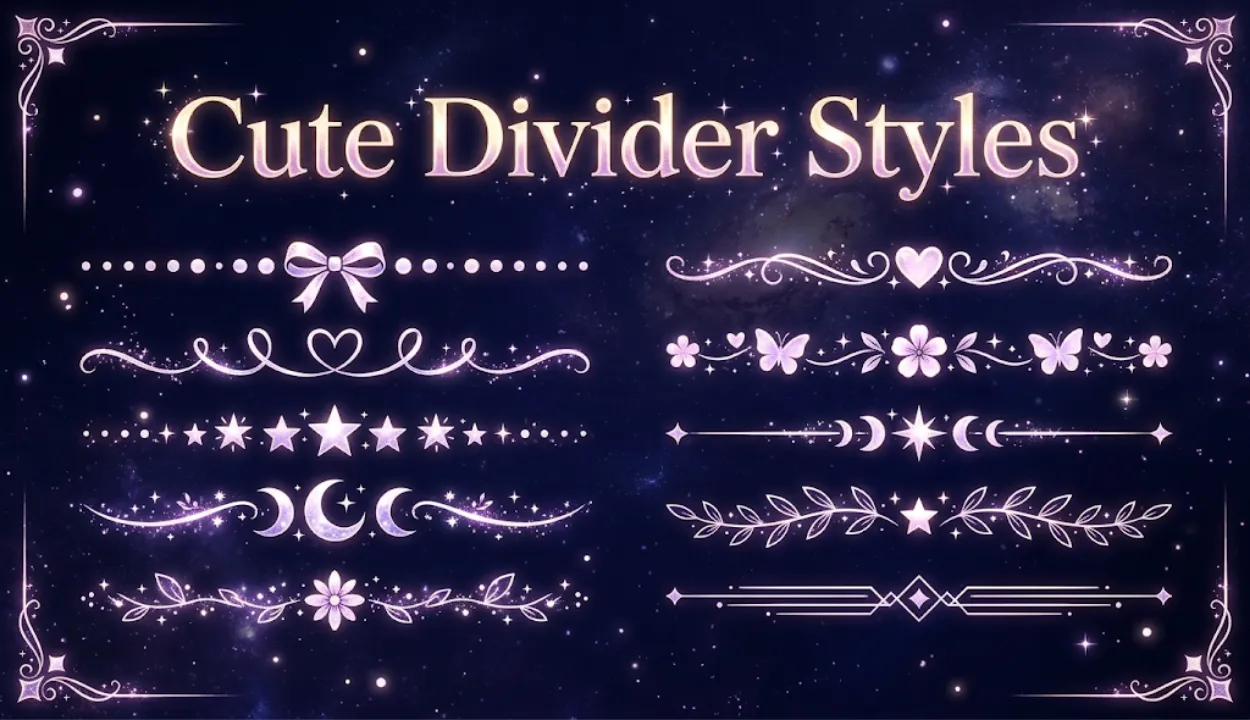
Different symbols create different moods. A heart divider may suit a romantic caption, while a flower or butterfly pattern can make a profile feel softer and more playful.
୨୧ Bow Divider Symbols
Bow divider symbols are popular in coquette-inspired designs, soft-girl aesthetics, cute bios, and decorative captions. Their ribbon-like look suits girly layouts. See more in our bow symbols collection.
- ୨୧ ───── ୨୧
- ୨୧ ━━━━━ ୨୧
- 🎀 ───── 🎀
- ୨୧♡୨୧♡୨୧
- ˚₊‧୨୧‧₊˚
- ୨୧ · · · ୨୧
- ⋆。🎀 ━━━━━ 🎀。⋆
- ♡ ୨୧ ── ୨୧ ♡
- ୨୧ ˚₊‧ ─ ‧₊˚ ୨୧
- ꒰ა 🎀 ໒꒱ ─ ꒰ა 🎀 ໒꒱
When to use them: Instagram captions, Pinterest descriptions, digital journals, scrapbook layouts, and cute personal messages.
♡ Heart Divider Symbols
Heart divider symbols are a lovely option for romantic messages, friendship posts, Valentine’s Day captions, and bios. Choose a tiny heart for a subtle effect or a repeated pattern for a more decorative look. Explore more heart symbols to copy and paste.
- ♡ ───── ♡
- ♥︎ ━━━━━ ♥︎
- ♡♡♡ ───── ♡♡♡
- ୨♡୧ ───── ୨♡୧
- ♥ · · · · ♥
- ♡ ˚。⋆ ─ ⋆。˚ ♡
- ♡₊˚ ───── ˚₊♡
- ღ ━━━━━ ღ
- ❥ ───── ❥
- ♥︎ ─── ♡ ─── ♥︎
- ꒰ ♡ ━━━━━ ♡ ꒱
- ⋆ ♡ ⋆ ─── ⋆ ♡ ⋆
- ♡ · · · ♡ · · · ♡
When to use them: Between romantic paragraphs, love quotes, anniversary messages, friendship notes, or affectionate captions. Curious about heart colors? Read our heart emoji meanings.
❀ Floral and Nature Dividers
Flower and nature-inspired dividers bring a gentle feeling to text. They suit spring content, gardening blogs, nature quotes, and journal pages. For the stories behind blooms, see flower meanings and symbolism.
Flower divider symbols:
- ❀ ───── ❀
- ✿ ━━━━━ ✿
- ❁ · · · ❁
- ꕤ ─── ꕤ ─── ꕤ
- ✾ ─────── ✾
- ❀ ˚。⋆ ─ ⋆。˚ ❀
- ✿ · ✿ · ✿
- ❃ ━━━━━ ❃
- ❋ ───── ❋
- ⚘ ───── ⚘
- 🌸 ───── 🌸
- ✽ · · · ✽
Nature-inspired dividers:
- ❧ ───── ❧
- ☘ ━━━━━ ☘
- ༄ ───── ༄
- ❦ · · · ❦
- 𓇬 ━━━━━ 𓇬
When to use them: Spring greetings, garden articles, wellness content, nature-inspired posts, and personal blogs.
🦋 Butterfly Divider Symbols
Butterfly dividers create a dreamy, playful look for soft aesthetic profiles, inspirational quotes, and personal messages.
- ʚ ───── ɞ
- ʚ♡ɞ ━━━━━ ʚ♡ɞ
- 🦋 ───── 🦋
- ʚ✧ɞ · · · ʚ✧ɞ
- ʚ ━━━ ♡ ━━━ ɞ
- ⋆ 🦋 ⋆ ─── ⋆ 🦋 ⋆
- ʚ˚₊‧ ─ ‧₊˚ɞ
- 🦋 · · · · · 🦋
- ʚ♡ ───── ♡ɞ
✧ Sparkle and Star Divider Symbols
Sparkles and stars add shine without making text look busy. They suit dreamy, celestial, and magical themes, and you can find more in our star symbols collection.
Sparkle dividers:
- ✧・゚: ───── :・゚✧
- ✦ ━━━━━ ✦
- ⋆。°✩ ━━━ ✩°。⋆
- ✨ ───── ✨
- ✧ · · · ✧
- ˚₊‧꒰ა ✨ ໒꒱‧₊˚
- ✩ ─── ✦ ─── ✩
- ⋆ ───── ⋆
- ✧━━━━━━━✧
Star dividers:
- ★ ───── ★
- ☆ ━━━━━ ☆
- ✦ · · · ✦
- ✯ ───── ✯
- ✵ ━━━━━ ✵
- ⋆。 ───── 。⋆
- ★彡 ─── 彡★
- ✧ ★ ✧ ★ ✧
When to use them: Motivational quotes, birthday messages, celestial designs, gaming profiles, and creative captions.
☁ Cloud and Sky Divider Symbols
Cloud, moon, and sun symbols create a peaceful, dreamy atmosphere for good morning messages, nighttime posts, and sky-themed content. Find the symbols themselves in our moon symbols and sun symbols guides.
- ☁︎ ───── ☁︎
- ☾ ━━━━━ ☽
- ☼ · · · ☼
- ☁︎ ✧ ─ ✧ ☁︎
- ☾ ⋆ ───── ⋆ ☽
- ☁︎ · ☁︎ · ☁︎
- ☀ ───── ☀
- ☽ ━━━ ✦ ━━━ ☾
𓆩 Cute Kawaii and Coquette Dividers
Kawaii and coquette-inspired dividers combine playful symbols, hearts, bows, and delicate patterns, ideal for cute bios and soft aesthetic layouts. Dive deeper with our coquette symbols and cute fonts.
Kawaii-style dividers:
- ˚₊‧꒰ა ♡ ໒꒱ ‧₊˚
- ꒰ა ───── ໒꒱
- ૮₍ ˶ᵔ ᵕ ᵔ˶ ₎ა ─
- ♡(˃͈ દ ˂͈ ༶ )♡
- ꒰ ♡ ━━━━━ ♡ ꒱
- ૮꒰ ˶• ༝ •˶꒱ა
- ୨୧ ˚₊‧♡‧₊˚ ୨୧
Coquette-inspired dividers:
- ୨୧♡୨୧ ─── ୨୧♡୨୧
- ˚₊‧🎀‧₊˚ ━━━━━
- ♡ ୨୧ ⋆。˚ ─ ˚。⋆ ୨୧ ♡
- ୨୧ ── ♡ ── ୨୧
- ⋆。🎀。⋆ ───── ⋆。🎀。⋆
⛤ Gothic and Fancy Symbol Dividers
Not every divider needs to look soft. Gothic and fancy patterns suit dark themes, fantasy-inspired profiles, and vintage-style writing when you want a dramatic or ornamental appearance.
- ༺━━━━━━༻
- ⛤ ━━━━━ ⛤
- ༒ ───── ༒
- ♱ ━━━━━ ♱
- ✠ · · · ✠
- ༺═────────═༻
- ❦ ━━━━━ ❦
- ╰┈➤ ━━━━━
✦ Aesthetic Line Dividers
Aesthetic line dividers are versatile, ranging from delicate dotted separators to Tumblr-inspired patterns. Choose one that complements your text instead of competing with it.
- ୨୧ ───────── ୨୧
- ⋆。°✩ ───── ✩°。⋆
- ✧・゚: ───── :・゚✧
- ♡ · · · · · · ♡
- ༄ ━━━━━━━━━ ༄
- ⊹ ──────── ⊹
- ˚₊‧ ─────── ‧₊˚
- ✦ ── ✧ ── ✦
Pixel Style and Gaming Dividers
Pixel-inspired dividers suit retro gaming profiles, Discord communities, and playful online layouts, including game captions, channel descriptions, and server announcements.
- ♥ ░▒▓ ━━━ ▓▒░ ♥
- ▣ ───── ▣
- ◆◇◆ ━━━━━ ◆◇◆
- ■ □ ■ □ ■ □
- ★彡 ━━━━━ 彡★
- ♡ ░░░ ━━━ ░░░ ♡
- ◈ ─────── ◈
Related Collections
Looking for a particular decorative style? These related collections have more designs that match your aesthetic.
Bow Divider Symbols
Bow dividers fit coquette, pink, ribbon, and soft-girl themes. Combine ୨୧ with hearts, stars, or delicate lines, and browse bow copy and paste for more.
Heart Divider Symbols
Heart dividers work for romantic messages, friendship posts, and love-themed captions. Use simple ♡ patterns or mix different heart characters for a more detailed separator.
Aesthetic Borders
Aesthetic borders can frame a title, short note, or quote. Try rounded borders, double lines, floral corners, and ornamental Unicode patterns, or explore the aesthetic symbols collection.
Aesthetic Dividers Copy and Paste for Social Media
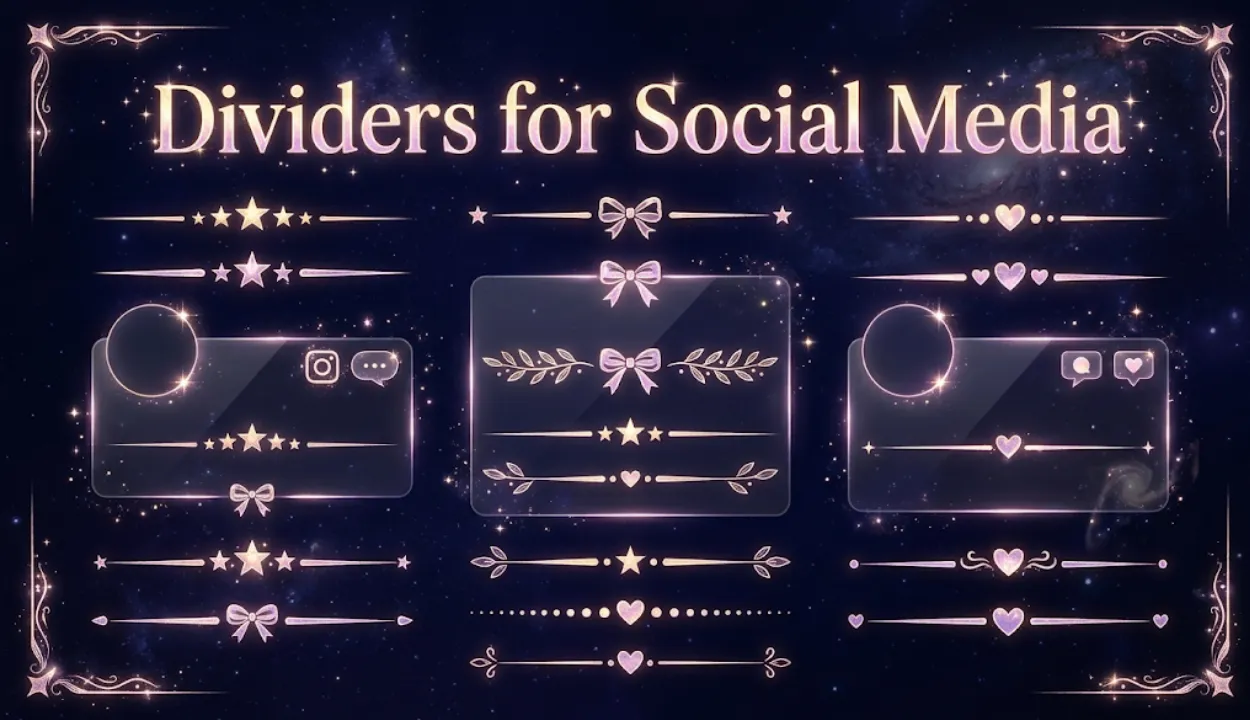
A cute divider can make a social media caption easier to read when it contains several ideas. The best design depends on the platform and how much text you want to separate.
Cute Divider Symbols for Instagram
Instagram users can add decorative dividers to captions and profile text where formatting is supported. A small heart or sparkle pattern can separate an introduction from a quote or list. For complete profile ideas, see our stylish Instagram bios for girls.
Example Instagram bio:
♡ Dreaming a little every day
୨୧ Creating my own happiness
✧ Sharing moments and memories
♡ ───── ♡
Example Instagram caption:
A little reminder to enjoy today ✨

♡ ───── ♡

Make time for the things that make you smile.

♡ ───── ♡

Stay kind, stay hopeful, and keep growing.
Keep your bio readable and check the final result on your profile. Symbols may look different across devices, and platform character limits still apply.
Divider Symbols for TikTok
TikTok profile descriptions and captions also benefit from simple separators. Try short patterns that don’t take up much space.
✧ Little moments, big dreams
♡ Lifestyle | Creativity
⋆ Creating my own story
You can also place a divider between parts of a video caption. Keep the important message easy to find, particularly for viewers reading on a phone.
Discord Divider Symbols
Discord dividers organize channel descriptions, announcements, rules, and welcome messages. Need profile text too? Check our Discord bio ideas.
୨୧ ━━━━━ WELCOME ━━━━━ ୨୧

Welcome to our community!

♡ Please be respectful.
✧ Follow the server rules.
🌸 Have fun and enjoy your stay!

୨୧ ━━━━━━━━━━━━━ ୨୧
Simple symbols and short lines are often most practical on Discord. Very elaborate patterns may look uneven in different fonts or narrow mobile layouts.
Tumblr and Pinterest Aesthetic Dividers
Tumblr layouts often use decorative symbols for a scrapbook-like appearance, and Pinterest descriptions can use separators to distinguish ideas. Our aesthetic bio templates offer more layouts to try.
୨୧ ───── little things I love ───── ୨୧

♡ Flowers
♡ Cozy mornings
♡ Beautiful books

✧・゚: ───── :・゚✧
For Pinterest, text inside an image is different from the Pin description. A divider in an image stays part of the graphic, while a copied Unicode divider can be pasted into a text field.
WhatsApp and Other Messaging Apps
Cute dividers make longer WhatsApp messages, status updates, and group descriptions feel more organized.
A little note for you ♡

I hope your day brings happiness,
peace, and plenty of reasons to smile.

♡ ───── ♡

Take care and keep shining!
Use shorter separators in messaging apps so the message stays easy to read on smaller screens.
Cute Divider Symbols Generator – Create Your Own Dividers
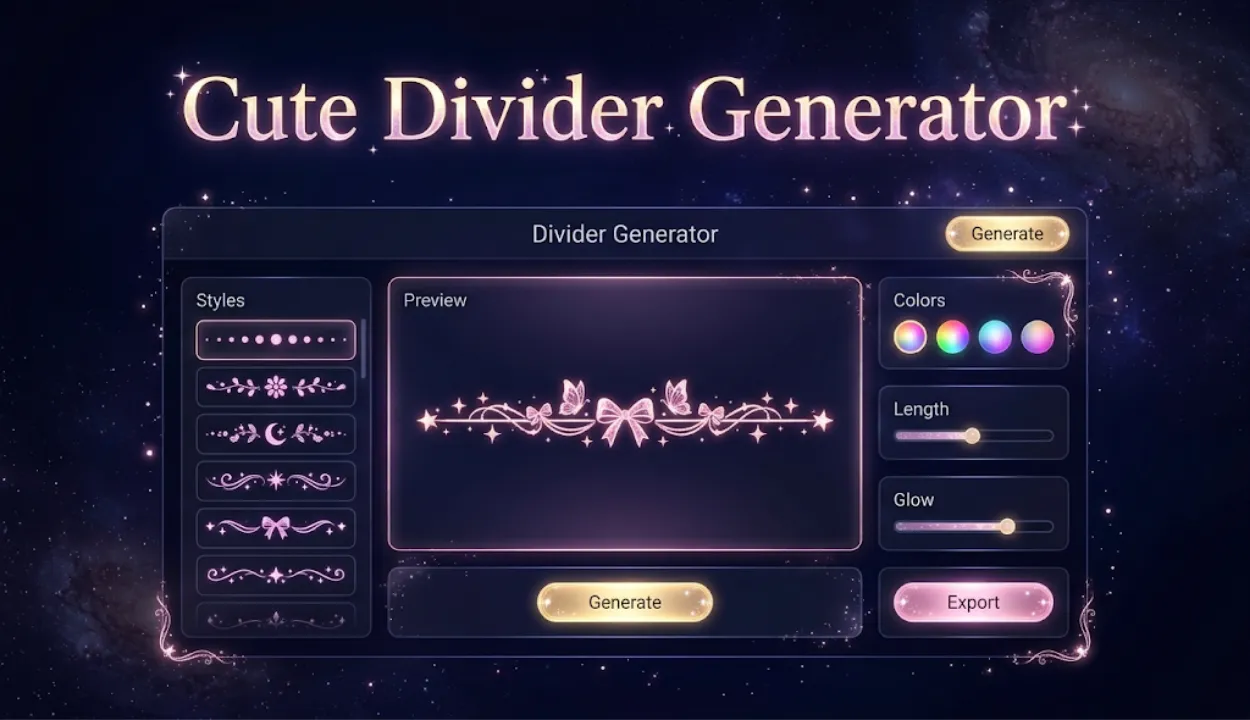
Sometimes you find a beautiful divider, but it isn’t quite the style or length you want. A custom divider generator lets you build a design that matches your preferences. Use our Aesthetic Divider Generator to explore ready-made patterns or create your own combination of decorative symbols.
Aesthetic Divider Generator
Create Beautiful Cute Dividers, Copy & Paste Aesthetic Symbols
Discover hundreds of adorable dividers and create your own custom aesthetic designs. Choose your favorite symbols, colors, decorations, and divider styles.
🎀 Create Your Own Divider
Design your own aesthetic divider and watch the preview update instantly.
Divider Style
Decorations (combine any)
Line Style
Divider Length
Color Theme
Download Divider Templates
Pick a ready-made template, choose a color, and download it as a PNG or JPG image. Image size follows the Width setting above.
How to use
- Search or pick a category, then press Copy Text on any divider.
- Tap the heart to save favorites; they stay after you refresh.
- Build your own in the studio. Unicode text cannot carry color, so use Copy HTML or Download PNG to keep the colors.
Choose Your Favorite Divider Style
Start by selecting the style that fits your design:
- Heart: Romantic and friendship-inspired patterns.
- Bow: Cute ribbon and coquette-style decorations.
- Flower: Floral and nature-inspired separators.
- Butterfly: Dreamy butterfly combinations.
- Sparkle: Shiny, star-like decorative patterns.
- Star: Simple and celestial designs.
- Cloud: Soft sky-inspired separators.
- Minimal: Clean horizontal lines.
- Gothic: Ornamental and darker patterns.
- Romantic: Hearts and affectionate combinations.
A good starting point is to choose one main decorative symbol and build the rest of the divider around it.
Customize Divider Colors
If you’re creating a visual divider for a graphic, website, or design project, color makes a big difference. Popular color themes to try:
| Color theme | Color code | Suggested style |
|---|---|---|
| Pink Dream | #FFE4EF | Hearts and bows |
| Lavender | #EDE1FF | Sparkles and butterflies |
| Golden Glow | #FFF2D9 | Elegant floral lines |
| Mint Fresh | #DFF5EC | Flowers and nature |
| Sky Blue | #E1F0FF | Clouds and stars |
| Peach | #FFE6DC | Romantic patterns |
| Midnight | #292536 | Gothic and fancy |
| Rose Red | #FFF0F0 | Heart decorations |
You can also use a custom color picker for a particular shade.
A useful distinction: A Unicode divider is plain text, so copying it does not preserve a custom color. To keep a selected color, use an HTML divider in a supported editor or download the design as an image.
Adjust Divider Length and Decorations
The length should fit the space where you plan to use it. Try these settings:
- Short for compact captions and profile descriptions.
- Medium for messages and small content sections.
- Long for blog sections and larger text layouts.
- Extra long for decorative graphics.
You can also combine hearts, bows, flowers, stars, and other symbols. For example:
- ♡ ─── ✧ ─── ♡
- ୨୧ ━━━ ❀ ━━━ ୨୧
- 🦋 · · · 🎀 · · · 🦋
Copy Text, Copy HTML and Download Image
Once you’ve finished customizing, choose the output that suits your needs:
- Copy Text: Copies the Unicode characters for bios, captions, and messages.
- Copy HTML: Useful for a colored divider on a website or in an HTML-supported editor, with the selected styling included.
- Download PNG or JPG: Ideal for graphics, digital planners, and social media images. Unlike plain Unicode text, an image preserves the selected colors.
Creative Usage Examples
Here are a few practical ways to use cute divider symbols in everyday writing and online content.
Instagram Post Separation
If your caption includes a quote, a personal note, and a call to action, a small separator makes each part easier to read.
Today's little reminder ♡

You don't have to do everything at once.
Take your time and enjoy the process.

✧ ───── ✧

Save this reminder for a day when you need it!
Blog Article Formatting
Blog writers can use decorative dividers to separate special notes, quotes, or themed sections. Don’t replace meaningful headings with decorative lines, because proper headings help readers navigate long articles.
A Few Simple Ways to Stay Inspired

Find something small that makes you happy.

❀ ───── ❀

Make time for your favorite activities.

❀ ───── ❀

Celebrate the little things.
For WordPress articles, use a real heading structure and add a divider only when it improves the reading experience.
Discord Server Organization
A decorative divider makes a server announcement or rules section easier to scan. Keep the pattern simple so it stays readable on desktop and mobile.
✦ ━━━━━ SERVER RULES ━━━━━ ✦

01. Be respectful.
02. Avoid spam.
03. Keep conversations friendly.
04. Follow channel guidelines.

✦ ━━━━━━━━━━━━━━━━━ ✦
Social Media Bio
A bio has limited space, so a short divider is usually more practical than a long pattern.
♡ Living with gratitude
✧ Dream | Create | Grow
୨୧ Making memories
You can also use a small heart or bow between two short phrases instead of a full horizontal line.
Tumblr and Pinterest Posts
For a themed text post, use dividers to create a visual rhythm between short sections.
˚₊‧ My cozy corner ‧₊˚

♡ Favorite books
♡ Soft music
♡ Rainy afternoons
♡ Little creative projects

✧・゚: ───── :・゚✧
If you’re designing a Pinterest graphic, test the divider at the final image size. Thin lines and small characters may be hard to see in a thumbnail.
How to Copy and Paste Cute Divider Symbols
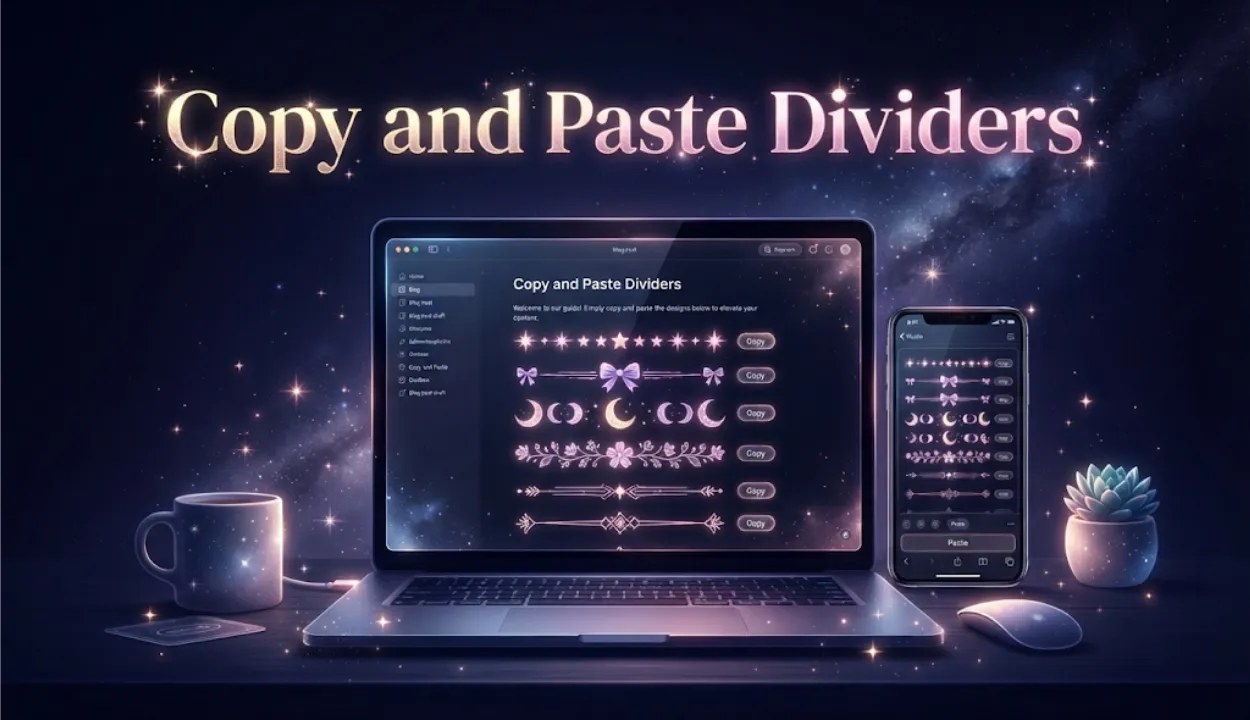
Copying a cute divider is simple, and most standard Unicode characters need no special font or software. See our copy and paste symbols page for more characters. Follow these steps:
- Browse the divider collection and find a pattern you like.
- Select the complete divider symbol combination.
- Click its Copy button, or select and copy the text manually.
- Open Instagram, Discord, a messaging app, a document, or another supported destination.
- Place your cursor where you want the divider.
- Paste the copied design.
On Windows, use Ctrl + V to paste. On a Mac, use Command + V. On a phone or tablet, tap and hold the text field and choose Paste. If a symbol appears as an empty box or question mark, the destination may not support that character or font, so try a simpler divider.
How to Type Divider Symbols on Different Devices
You don’t need to memorize every Unicode character. Copying a ready-made pattern is usually easiest, but your device also offers ways to access symbols.
How to Copy Divider Symbols on Windows
Method 1: Copy from a symbol collection. Select your divider, press Ctrl + C, then paste with Ctrl + V.
Method 2: Use the Windows emoji and symbol panel. Press Windows key + . (period) to browse available symbols and special characters, depending on your Windows version.
Method 3: Use Character Map. It lets you browse characters in installed fonts, which helps when searching for a particular decorative character.
How to Copy Divider Symbols on Mac
Mac users can use the Character Viewer to find and insert supported symbols.
- Open the application where you want to type.
- Open the character viewer using Control + Command + Space.
- Search or browse for a suitable symbol.
- Select the character to insert it.
- Combine characters to create a divider.
For a ready-made pattern, copying from an online divider collection is generally quicker.
How to Copy Divider Symbols on iPhone and Android
On mobile devices, copy a divider from a collection and paste it into the desired app.
On iPhone:
- Open the divider collection in Safari or another browser.
- Select the pattern you want.
- Choose Copy.
- Open your destination app.
- Tap and hold the text field and select Paste.
On Android:
- Open the divider collection in your browser.
- Copy your preferred design.
- Open your messaging or social media app.
- Tap the text field.
- Select Paste from the available menu.
Some keyboards also let you save frequently used text as shortcuts, which helps if you regularly use the same divider.
Divider Symbol Usage and Meaning
Decorative symbols create different visual impressions. Their associations depend on personal taste, culture, and context, and they don’t have one universal meaning. Our symbols meaning guide covers more. Common aesthetic associations:
| Symbol | Common decorative association |
|---|---|
| ♡ | Love, affection, and friendship |
| 🎀 | Cute, ribbon, and coquette aesthetics |
| ❀ | Flowers, nature, and freshness |
| 🦋 | Beauty, change, and transformation |
| ✨ | Sparkle, brightness, and elegance |
| ★ | Emphasis, highlights, and decoration |
| ☁ | Dreamy, soft, and peaceful themes |
| ❦ | Vintage and ornamental decoration |
| ☾ | Nighttime and celestial aesthetics |
| ✧ | Delicate sparkle and decorative detail |
A heart divider can make a friendship message feel warmer, while a flower divider may suit a spring-themed blog post. Choose symbols based on the mood you want to create rather than assuming a fixed interpretation.
Frequently Asked Questions About Cute Divider Symbols
What are cute divider symbols?
Cute divider symbols are decorative Unicode characters and text combinations used to separate sections of writing. Popular styles include hearts, bows, flowers, stars, butterflies, and aesthetic horizontal lines that you can copy and paste.
How do I type a cute symbol?
Use your device’s emoji or character panel, or copy it from an online symbol collection. Select the character you like, copy it, and paste it into a supported text field.
How do I type a divider symbol?
The easiest method is to copy a ready-made divider such as ♡ ───── ♡ or ✧ ━━━━━ ✧. You can also create your own by combining Unicode characters like ─, ♡, ✿, and ★.
What are some cute and kawaii symbols?
Popular choices include ♡, ୨୧, 🎀, ✿, ❀, ✧, 🦋, ☁︎, and ˚₊‧꒰ა ♡ ໒꒱ ‧₊˚. Combine them with decorative lines to create personalized text dividers.
What does 𓆩♡ 𓆪 mean?
The combination 𓆩♡ 𓆪 is commonly used as a decorative heart design. People use it to express affection, add a soft aesthetic touch, or frame a name or short phrase. It doesn’t have one universally recognized meaning.
What are some cute line symbols?
Popular cute line symbols include ─, ━, ═, ୨୧, ♡, ✧, ❀, and ⋆. Combine them to make short, dotted, floral, romantic, or decorative horizontal separators.
What are the best cute divider symbols for Instagram?
Heart, bow, sparkle, and minimalist dividers are popular for Instagram bios and captions. Examples include ♡ ─ ♡, ୨୧ ━ ୨୧, ✧・゚: ─ :・゚✧, and ⋆。°✩ ━ ✩°。⋆.
Can I copy and paste aesthetic dividers?
Yes. Most standard Unicode dividers can be copied and pasted into compatible apps, websites, and text fields. Their appearance may vary depending on the destination’s fonts and character support.
Do cute divider symbols work on all devices?
Not every symbol looks identical on every device. Most common Unicode characters are widely supported, but some decorative characters or emoji may display differently or appear as empty boxes in unsupported fonts.
Can I create my own colored divider symbols?
Yes, you can create a colored visual divider using a custom divider generator. Unicode text itself does not store custom colors, so use Copy HTML for a styled divider in an HTML-supported editor, or download an image to preserve the color.
How do I make a horizontal text divider?
Combine a line character with decorative symbols. For example, use ♡ ───── ♡ for a heart divider, ❀ ━━━━━ ❀ for a floral style, or ───────── for a simple horizontal separator. Copy and paste the pattern wherever you need it.
Conclusion
Cute divider symbols are a simple way to give your writing a more personal and organized appearance. Whether you prefer romantic hearts, delicate bows, floral patterns, butterflies, sparkles, or clean horizontal lines, the right separator makes a caption, message, or blog section easier to follow.
Explore the collections, copy your favorite designs, and experiment with different combinations. For something more personal, try the custom divider generator to adjust the style, length, and visual color, then save the designs you love for whenever you want to add extra creativity to your text.

hi iam Emma SymbolsNest.com is a simple website where you can find thousands of symbols and special characters. It helps you copy and paste Unicode symbols for social media, messages, documents, and creative projects.